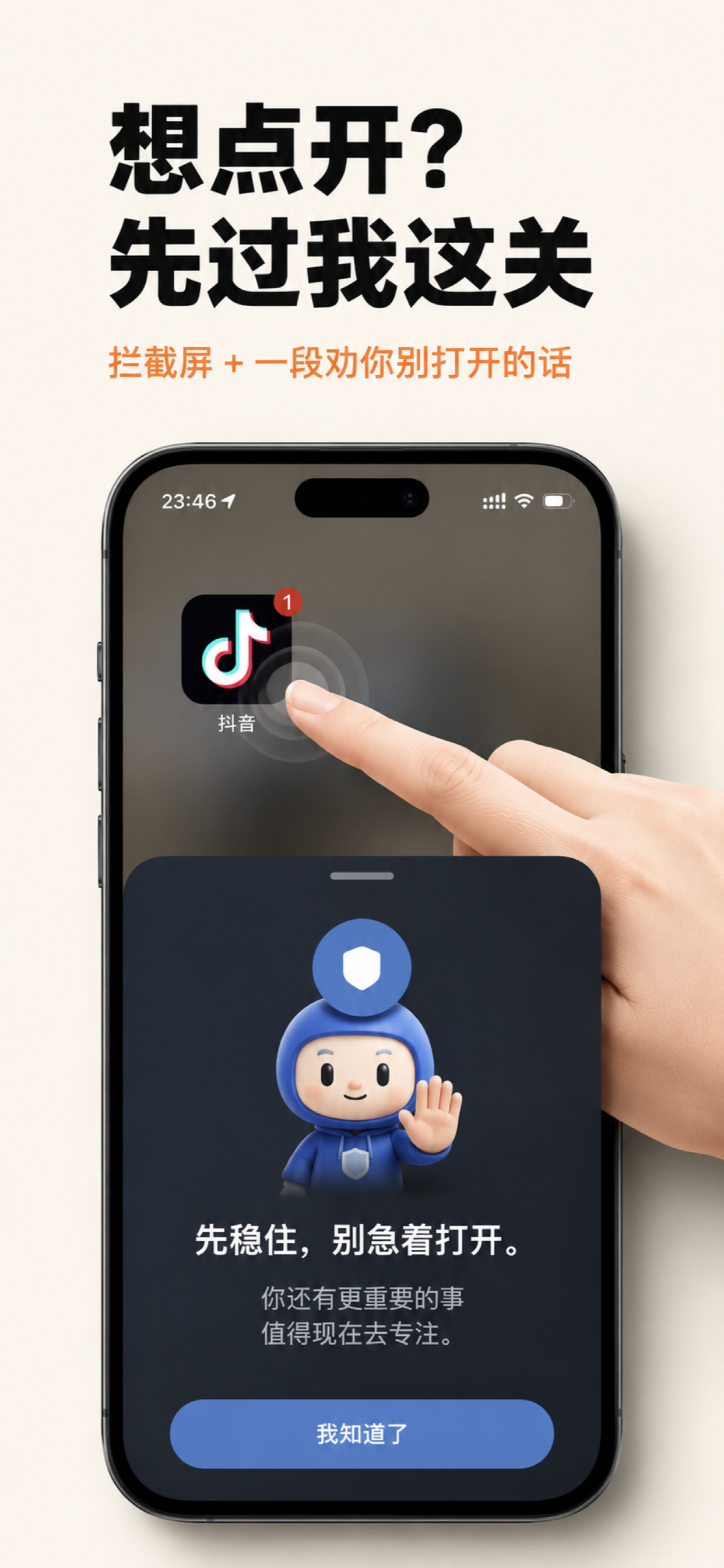
Want to open it?
Talk to me first.
Most app blockers only lock apps. Focus Coach adds an intentional pause — know why you're opening it, and how long you actually need.

Not stricter limits —
better decisions.
It doesn't decide for you. It gently brings you back to what you actually wanted to do.
Define your purpose
Write down why you want to open the app — turn impulse into a conscious choice.
Set a planned duration
Choose how long you need. The app re-locks automatically when time is up.
Block whole categories
Block individual apps or entire categories — social, video, games — in one go.
Protect sleep hours
Apply the same intentional flow at night so your screen stops eating your sleep.
Local-first
All data stays on your device. Nothing is uploaded, nothing is tracked.
Built for the long run
Not stricter limits — better decisions. Build calmer screen habits over time.
How it works
Pick the apps to block
Choose the apps that pull you in the most, or block whole categories.
Write your reason
When you tap a blocked app, type in why you actually need it now.
Set a planned duration
Choose how long temporary access lasts — 5 minutes or 30, your call.
Auto re-lock
When time is up, the app locks again. Next time, go through the flow again.
"Hold on. Don't rush to open it. There's something more important right now that deserves your focus."
— From your Focus Coach